
What's Included
Everything in every order
No hidden add-ons. No upgrade tiers. Every Single Exposure Edit order includes the full feature set below.
Use Cases
When to use Single Exposure Edit
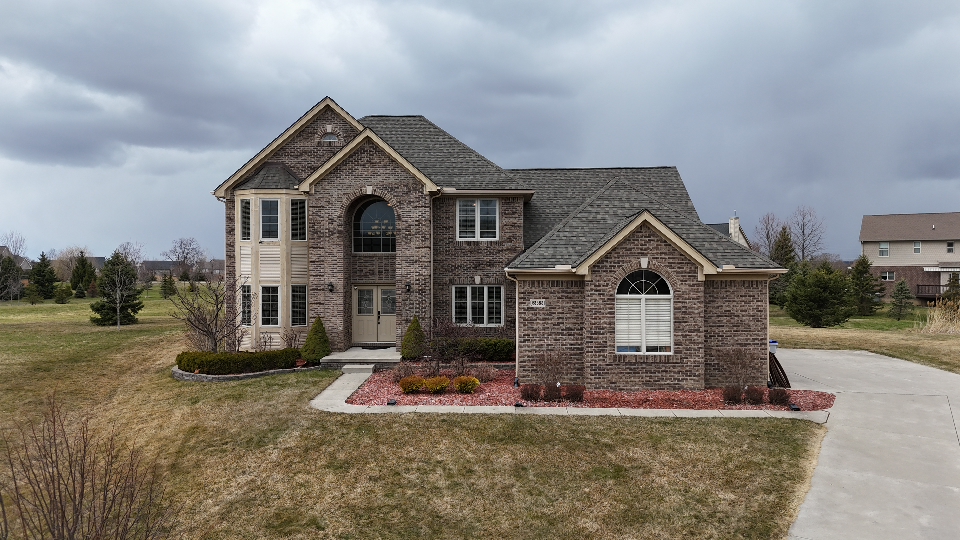
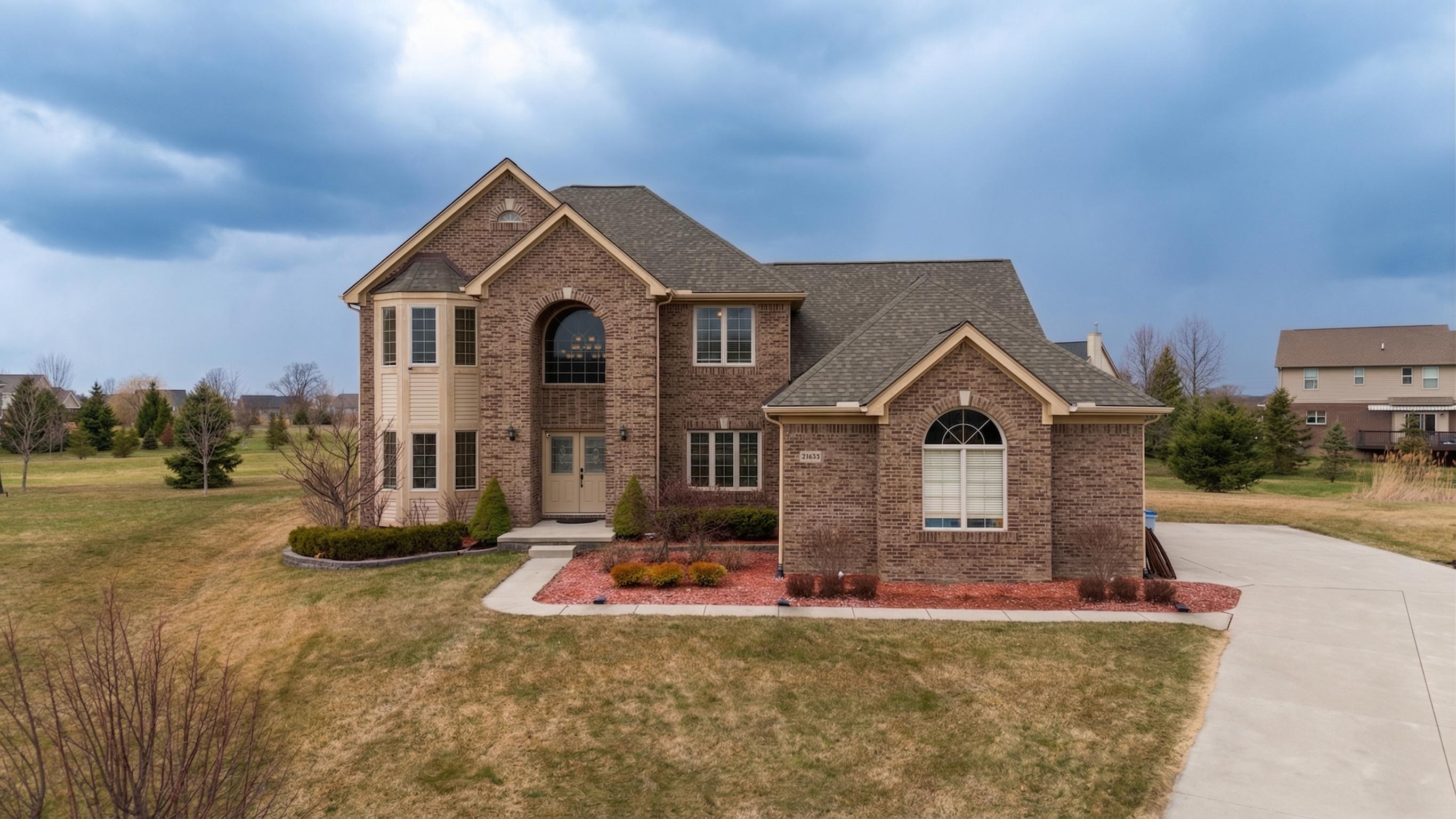
Exteriors with Even Lighting
Well-lit exteriors shot under good conditions don't always need HDR. Single Exposure Edit delivers a polished result at a lower per-image cost.
Detail & Amenity Shots
Kitchen appliances, bathrooms, countertops, and detail shots where dynamic range isn't the main challenge.
Portrait-Style Property Shots
Tight compositions where the full sky isn't in frame and window pull isn't needed — single exposure processing is ideal.
JPEG to Polished Output
Have JPEG files from a client or an older shoot? Single Exposure Edit applies professional corrections to JPEG inputs too.
Process
From upload to delivered in 3 steps
Upload your files
Create a job in your Studio account. Drag and drop your RAW or JPEG files. Select Single Exposure Edit as the service.
AI processes your images
Our pipeline processes your images automatically — no manual handoffs, no waiting on a human editor. Most jobs finish in under 10 minutes.
Download & deliver
Images appear in your portal the moment they're done. Download individually or as a ZIP. Share a client download link directly from your dashboard.
FAQ
Common questions about Single Exposure Edit
What's the difference between Single Exposure Edit and Image Optimization?
Single Exposure Edit includes full tone mapping, highlight/shadow recovery, and artistic color grading from RAW data. Image Optimization is a lighter-touch technical correction pass. For best quality, use Single Exposure Edit for hero shots and Image Optimization for supporting photos.
Can this recover blown-out highlights or crushed shadows?
Yes, to the extent that detail is present in the RAW file. RAW files retain significant latitude for recovery. Once data is genuinely clipped to pure white or pure black, it cannot be recovered from any source.
Is RAW required, or can I submit JPEGs?
Both are accepted. RAW produces significantly better results due to its wider dynamic range and unprocessed data. JPEG inputs can still be corrected for color and sharpness.
Related services
Ready to try Single Exposure Edit?
Create your account, submit a job, and get results in under 30 minutes. No subscription required — pay only for what you use.