
What's Included
Everything in every order
No hidden add-ons. No upgrade tiers. Every HDR Merge (Single & Multi Exposure) order includes the full feature set below.
Use Cases
When to use HDR Merge (Single & Multi Exposure)
Interior Rooms
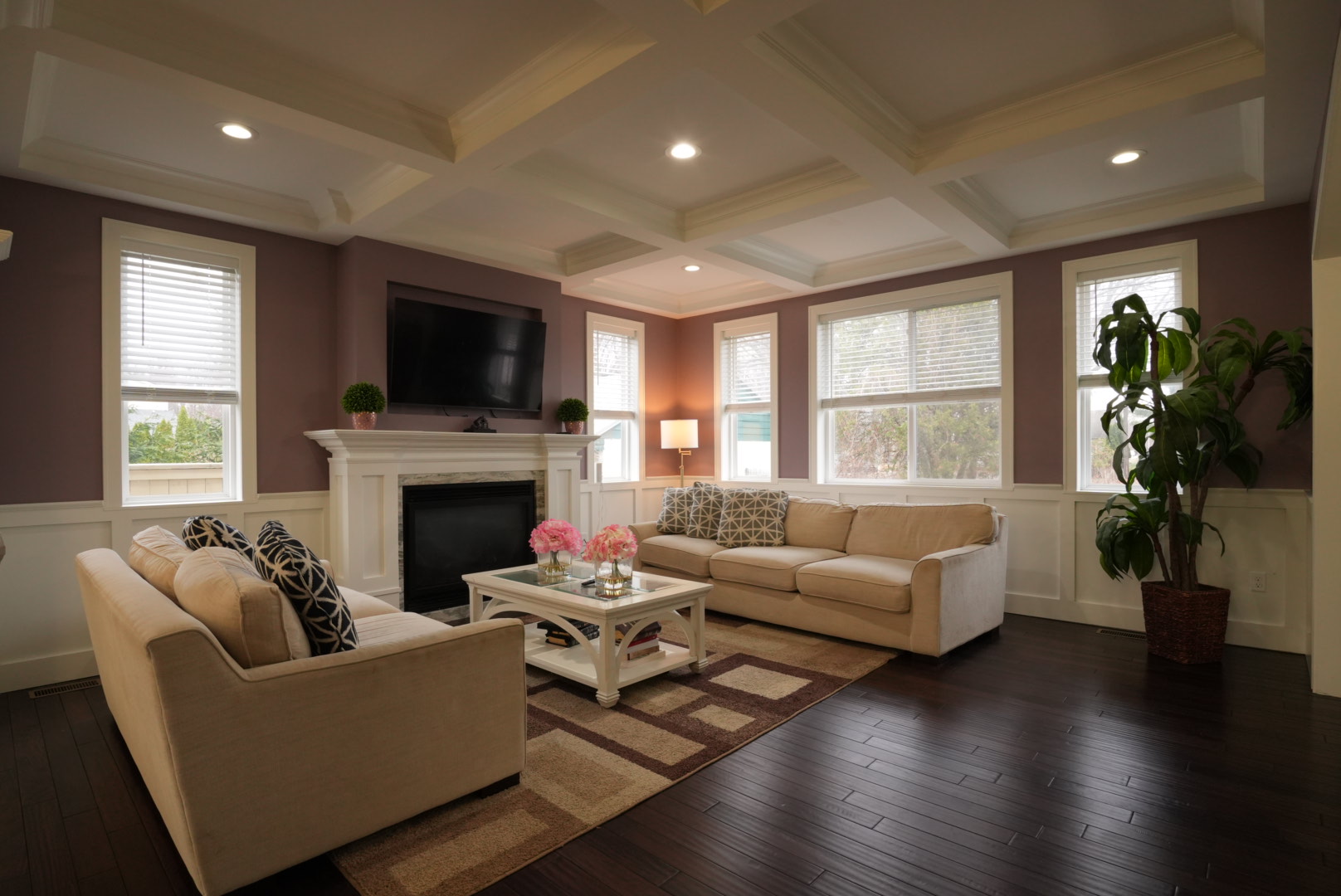
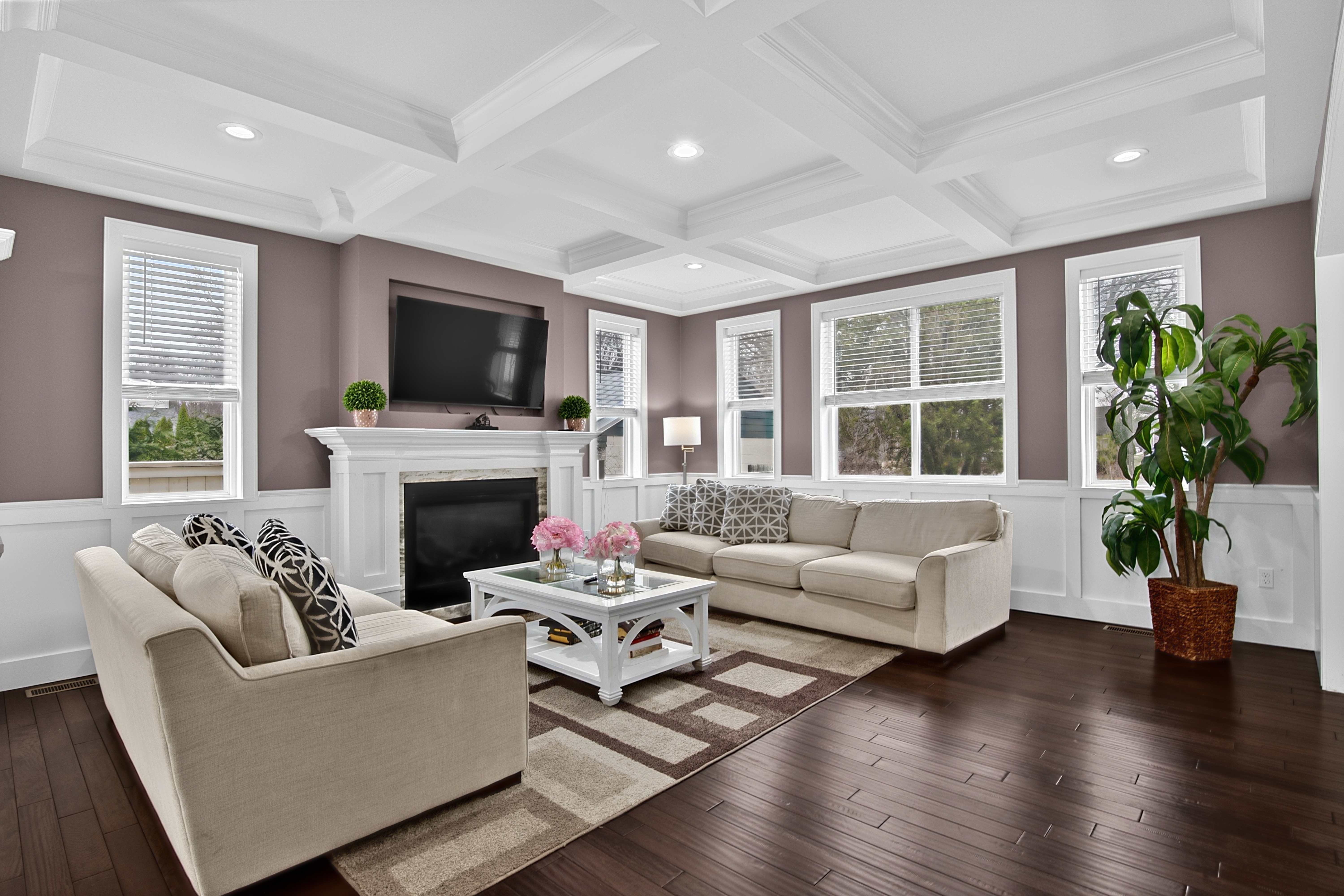
Mixed window and ambient light creates blown-out windows or dark interiors from a single exposure. HDR Merge handles this automatically.
Bright Exterior Shots
Driveways, facades, and aerial shots with wide dynamic range — all balanced in a single edit without tone-mapping artifacts.
High-Volume Shoots
Shoot in brackets and let the AI batch-process every set. No Lightroom plugins, no manual blending, no waiting on a human editor.
Same-Day Delivery Listings
Finish your shoot, upload brackets, and have MLS-ready images delivered before you leave the property area.
Process
From upload to delivered in 3 steps
Upload your files
Create a job in your Studio account. Drag and drop your RAW or JPEG files. Select HDR Merge (Single & Multi Exposure) as the service.
AI processes your images
Our pipeline processes your images automatically — no manual handoffs, no waiting on a human editor. Most jobs finish in under 10 minutes.
Download & deliver
Images appear in your portal the moment they're done. Download individually or as a ZIP. Share a client download link directly from your dashboard.
FAQ
Common questions about HDR Merge (Single & Multi Exposure)
How many exposures does HDR Merge accept?
We accept 3, 5, or 7-exposure bracket sets. The system detects sets automatically using EXIF timestamp and exposure value data. Odd-number brackets produce the best results.
What RAW formats are supported?
All major RAW formats are supported: CR3, CR2, ARW, NEF, DNG, RW2, ORF, RAF. JPEG brackets are also accepted. Files up to 100MB per image.
Is sky replacement really included at no extra charge?
Yes. Every HDR Merge job automatically includes sky replacement, TV screen mockup (if a TV is detected), and fireplace effect (if a fireplace is detected) — all at no additional cost.
What if my brackets weren't shot on a tripod?
Our alignment algorithm handles minor camera movement between exposures. Heavy movement from handheld shooting may produce ghosting artifacts — a tripod is strongly recommended for best results.
Do I get window pull included?
Yes. Automatic window pull is included — the exterior view is blended naturally through windows without harsh masking.
Related guides
All articles →Related services
Ready to try HDR Merge (Single & Multi Exposure)?
Create your account, submit a job, and get results in under 30 minutes. Subscribe for monthly credits or pay per image — no setup fee.