
What's Included
Everything in every order
No hidden add-ons. No upgrade tiers. Every Image Optimization order includes the full feature set below.
Use Cases
When to use Image Optimization
Every Single Shoot
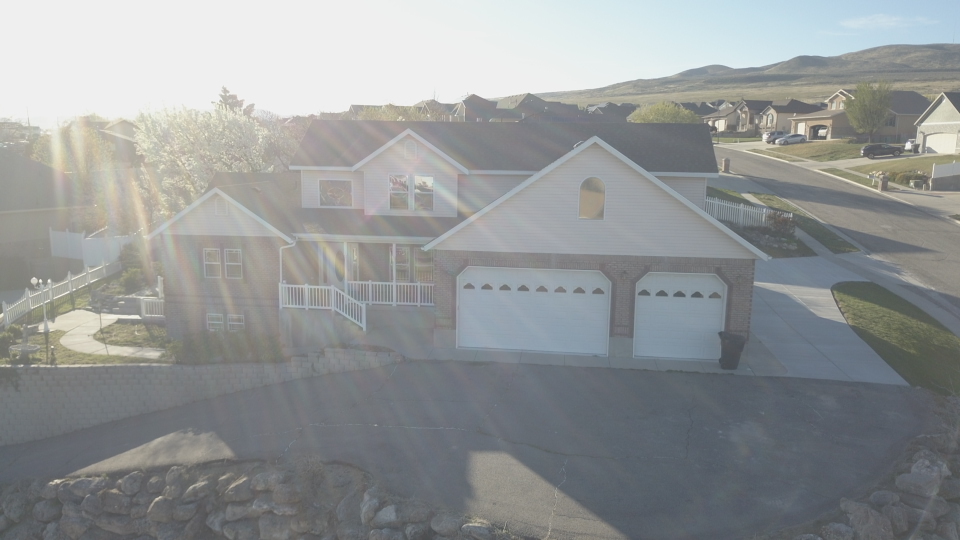
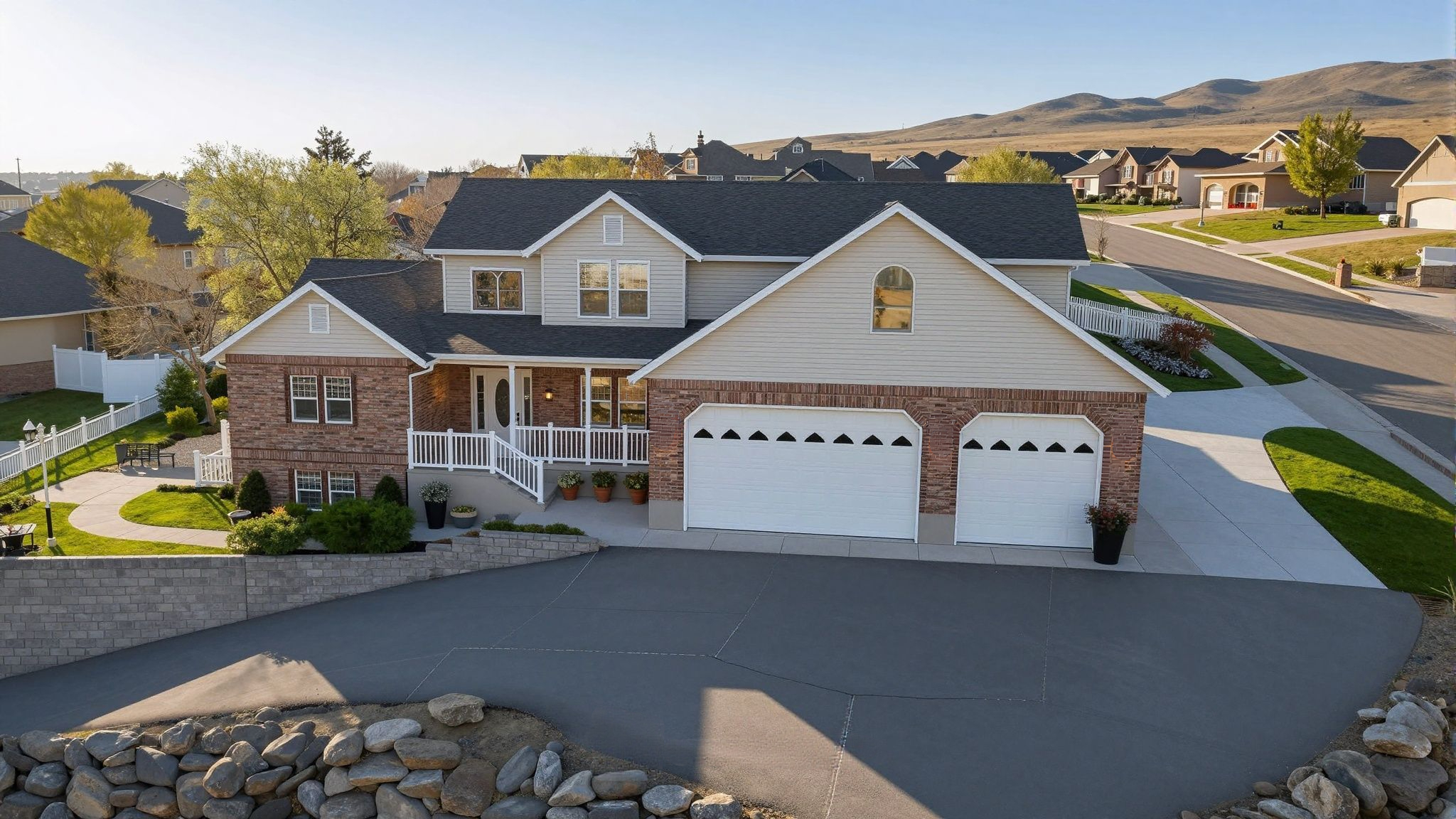
Image optimization is a baseline service that every set of listing photos benefits from. Consistent exposure and color correction across 20–40 photos in a single batch.
JPEG-Only Shooters
If you shoot JPEG instead of RAW, image optimization applies all the corrections your camera's in-body processing missed.
Mixed Lighting Interiors
Kitchens, bathrooms, and rooms with multiple light sources (daylight + tungsten + LED) produce color casts that optimization corrects automatically.
Volume Workflows
Delivering 10 listings a week? Add image optimization to every job and skip the batch editing step in Lightroom entirely.
Process
From upload to delivered in 3 steps
Upload your files
Create a job in your Studio account. Drag and drop your RAW or JPEG files. Select Image Optimization as the service.
AI processes your images
Our pipeline processes your images automatically — no manual handoffs, no waiting on a human editor. Most jobs finish in under 10 minutes.
Download & deliver
Images appear in your portal the moment they're done. Download individually or as a ZIP. Share a client download link directly from your dashboard.
FAQ
Common questions about Image Optimization
Does image optimization work on RAW files?
Yes. We accept RAW files (CR3, ARW, NEF, DNG) and apply corrections from the RAW data, producing a higher-quality result than correcting a JPEG.
What does 'MLS-compliant' mean?
MLS-compliant means the output JPEG uses the sRGB color profile, standard DPI, and correct dimensions for upload to all major MLS platforms in the US.
Will optimization make my photos look over-processed?
No. Our AI is calibrated for natural, realistic real estate results — not heavy stylized edits. The goal is technically correct photos that look like they were shot under ideal conditions.
Can I add optimization to an HDR Merge job?
HDR Merge already includes full optimization as part of the merge process. Adding a separate optimization order to HDR-merged images is not necessary.
Related guides
All articles →Related services
Ready to try Image Optimization?
Create your account, submit a job, and get results in under 30 minutes. Subscribe for monthly credits or pay per image — no setup fee.